Free Online Ear Training
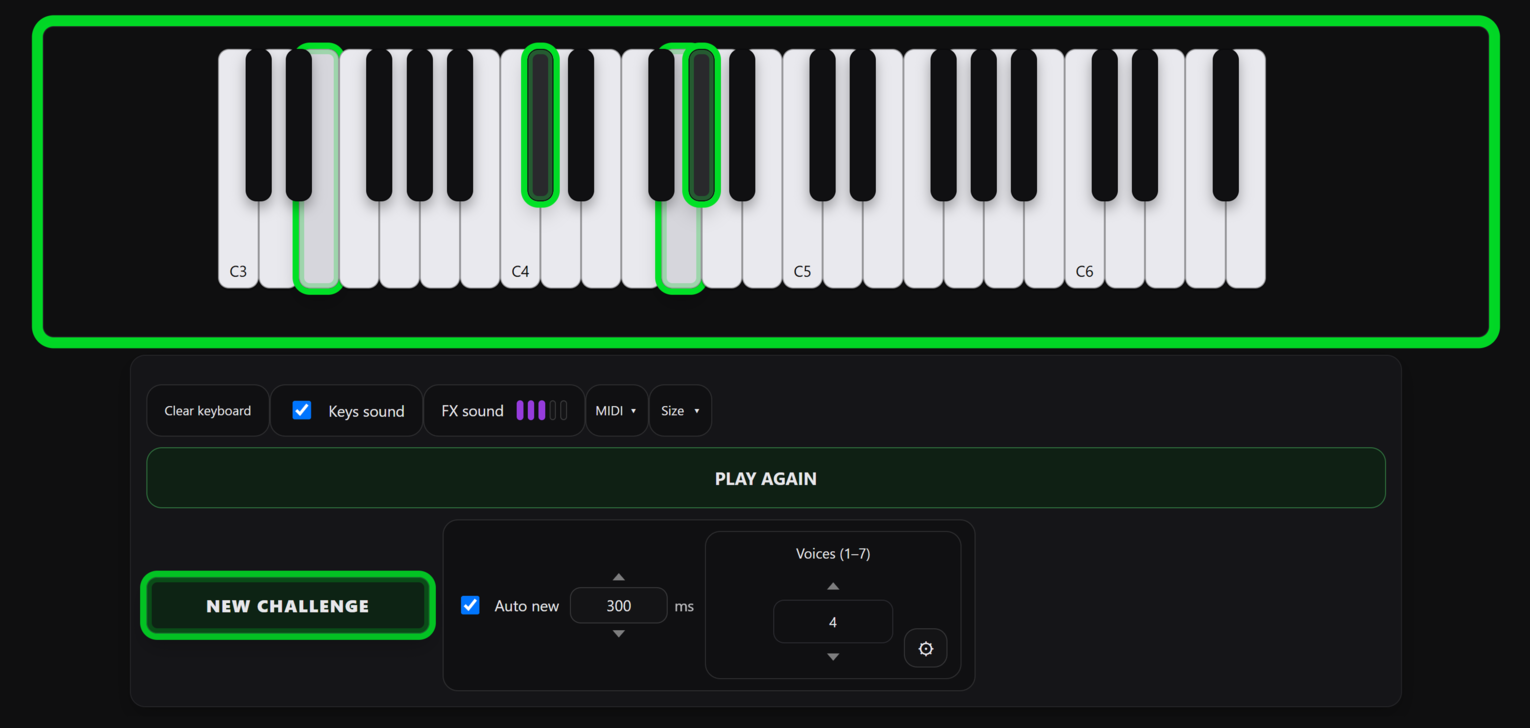
EarTraining is a free online ear-training app for recognizing notes, intervals, and chords. It is suitable for all skill levels. Hear a musical challenge, then play it back on the on-screen piano keyboard using your mouse, touchscreen, or a real MIDI keyboard.
The browser-based app helps you train relative pitch, practice pitch recognition, improve chord recognition, hear intervals, or prepare for aural skills exams. EarTraining gives you instant right/wrong feedback so you can improve faster.
No sign-up. No installation. Just open the app and start training your ear.
What You Can Practice
Notes, intervals, and chords
Train your ear to recognize single notes, the distance between notes, and full chord shapes.
Relative pitch
Learn to identify notes and chords by ear relative to the last correct answer or keyboard playback.
Absolute pitch
Disable keyboard playback and get right/wrong feedback instantly, to strengthen or possibly discover your perfect pitch skills.
Interval training
Hear the distance between two notes and reproduce it on the keyboard.
Chord recognition
Practice chords from simple 3-note shapes to 7-note voicings. Adjust the allowed interval range to focus on different chord shapes and voicings.
Difficulty level and speed
Choose the number of voices, challenge speed, note range, interval spread, playback duration, and whether the keyboard makes sound while you answer.
Who It’s For
EarTraining is useful for professional musicians, music students, beginners, pianists, producers, songwriters, composers, and anyone studying music theory or preparing for ear-training or aural-skills exams.
Start Training Your Ear
Open EarTraining, listen to the challenge, play it back, and get instant feedback. Build better pitch recognition, stronger interval awareness, and more confident chord recognition with regular practice.